

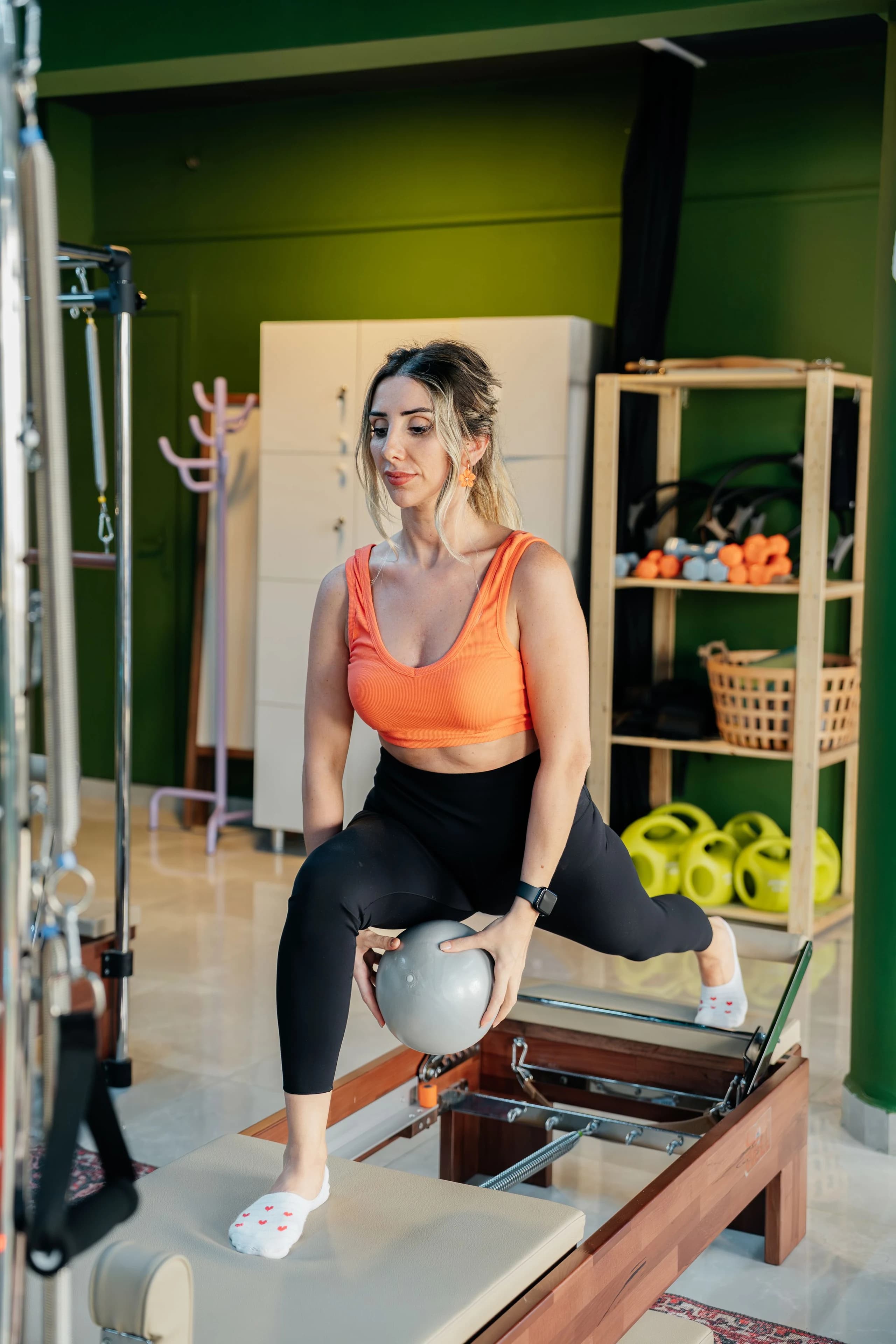


How it works
The way you work,
connected from start to finish.
Centre, personal trainer or FISIO: set up your space, make it yours and support every person from one place.
Step by step
From first setup to day-to-day work.
Six steps, from sign-up to your first client.
- 01
Create your business
Pick your activity, name it and style your app. In a few minutes.
What do you do?
Tap one and watch the app change.




 YOYour businessGymM
Hello!
Today is a good day to train.
Your next class With examplesView booking
Group training
MON 12 · 18:00Studio 1 · 45 minBookComing up
See allStrength sessionWED · 19:30 · Studio 1 · 45 minBookMy membership
ManageMonthly membership
The membership you create shows up here
- 02
MINGU sets up your space
The dashboard, the wording and the app adapt to your activity by themselves.
Pick an activityYour dashboard- Calendar
- Bookings
- Customers
- Classes
- Memberships
- Routines
- Exercises
- Nutrition
Your words- People
- Customers
- Bookings
- Bookings
- The team
- Trainers
- 03
Run it from your dashboard
Calendar, clients, payments and messages, in one place.
- Routines
- Nutrition
- Progress
- Connected schedule
- Stripe payments
- Your brand
- Communication
- Supporting AI
How much is the monthly membership?
The monthly membership is €42 and includes the gym floor and all group classes. I can book you a free trial class if you'd like.
- 04
Your clients, on their phones
They book, pay and follow their progress, under your brand.
Tap a style and watch it changeNONord FitnessGymMHello!
Today is a good day to train.
Your next classWith examplesView bookingGroup training
MON 12 · 18:00Studio 1 · 45 minBookComing up
See allStrength sessionWED · 19:30 · Studio 1 · 45 minBookMy membership
ManageMonthly membership
The membership you create shows up here
The real app, with sample data
- Colours
- Titles
- Montserrat
- Header
- Cover
- Buttons
- Filled
- 05
Everything connected
What you do in the dashboard reaches their app instantly.
- You, in the dashboardNew class
- Name
- Reformer
- Time
- Thursday · 19:00
- Places
- 12
- Your client, in the app
New class: Reformer · Thursday 19:00now
ReformerThursday · 19:00 · 12 placesBook - You, instantly
Laia booked Reformer
1/12 places
- You, in the dashboardNew class
- 06
Try it free for 14 days
No card. When it ends, you decide.
- Create your account
- Set up your business
- Share mobile access
- Start managing
The two sides of MINGU
You run it. Your customer sees it on their phone.
One action in your dashboard. A complete experience in their app.
Interactive demo · sample dataChoose an action and see what your client receives.
Your workspace
You, from the panelPublish a class
You publish schedules and set capacityConnected, without extra steps
Their app, your brand
Hello, Marta
A good day to feel your best.
 55 min
Strength
Your place is saved. See you in class!
FAQ
Know what to expect before you begin.
Who is MINGU for?
Sports and wellness centres, personal trainers and FISIO professionals. Onboarding, the dashboard and its modules adapt to the type of work you choose.
Does everyone get the same dashboard?
They share a foundation, not identical screens. A centre works with classes, bookings and memberships; a trainer with routines and follow-up; FISIO with appointments, session packs and follow-up; a multi-activity centre with whatever it offers.
Do I need technical knowledge?
No. Guided onboarding takes you through each step, and you manage your work in a browser. No coding or admin software installation is required.
How do I set up my business?
Onboarding has six steps. Choose your activity and see its price, enter the essentials and customise the app with a live preview. You can complete or correct the details from your dashboard later.
Do my customers have to download an app?
Not to get started: they can use your business's mobile link and add it to their home screen. The shared MINGU app will offer another way in once it is available in the stores.
What can I personalise?
Almost everything they see: a starting style, colours and background, logo and cover, heading and text fonts, the shape of buttons and cards, the header and the order of the home blocks. The preview shows every change as you make it.
Can I charge my customers?
You can connect Stripe to offer customer payments. MINGU uses Stripe Connect: charges are processed on the platform and transferred to your business's connected account under Stripe's terms.
How is the price worked out?
There are no plans to compare: you pay your sector's price, a band based on your active clients and, if you want it, the app under your name for €49.99 a month. The MINGU app with your brand inside is always included. Paying yearly takes 10% off the total.
Is my own app published automatically?
No. During the trial you can prepare its name, logo, colours and icon. MINGU starts publication once your subscription with the own app is active and after a review. It is published in your business's own developer accounts, whose fees you pay directly to Apple (€99 a year) and Google Play ($25 once), and depends on their approval.
What does the 14-day trial include?
You try the features of the plan chosen before setting up your business, without a card or automatic charges. When it ends, your dashboard pauses without deleting data. To continue, confirm payment for your chosen plan in Stripe; you will see the amount and billing period first.
Can I cancel a paid plan?
Yes. You can manage cancellation in your subscription settings. Paid access continues until the end of the purchased period, subject to the plan terms.
Can AI make clinical decisions in FISIO?
No. In FISIO it can help with administrative information and messages, but it does not diagnose, suggest treatment or replace professional judgement.
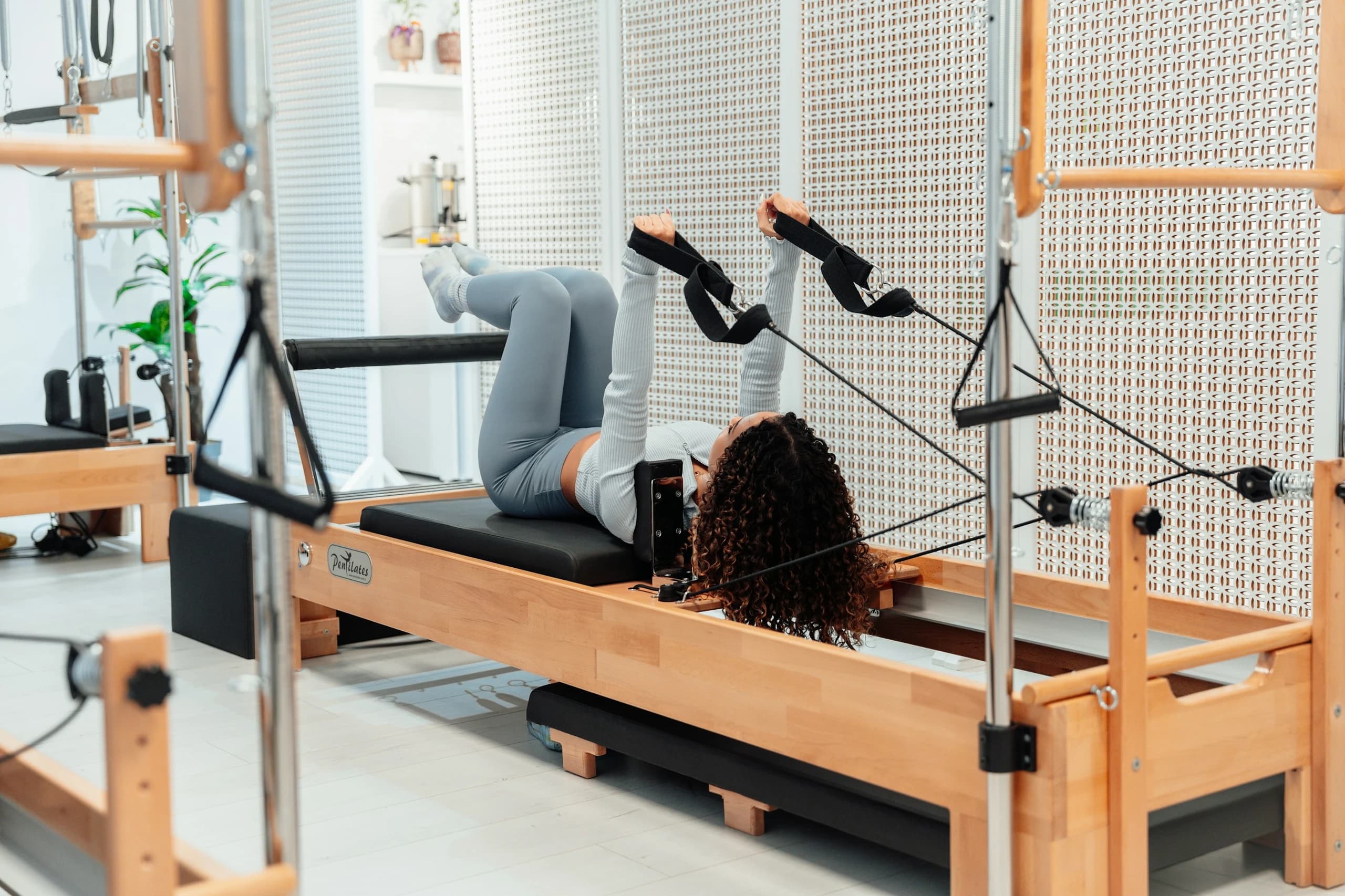

The film · 1:08 min · 5 chapters
MINGU in a minute.
Five real scenes: brand, classes, routines, payments and follow-up.